

Ergonomic Furniture for Home Workspaces: Design That Supports Your Best Work

Welcome to our deep dive into Ergonomic Furniture for Home Workspaces. Discover how thoughtful chairs, desks, and accessories can transform comfort, focus, and long-term health—then share your own setup and subscribe for weekly, research-backed inspiration.

Begin with the Basics: Ergonomics that Fit Your Body

Neutral posture keeps ears, shoulders, and hips aligned, with elbows near ninety degrees and wrists straight. This foundation helps ergonomic furniture do its job. Comment with your height and desk setup, and we’ll suggest adjustments tailored to you.

Begin with the Basics: Ergonomics that Fit Your Body

Seat height should allow feet flat on the floor or a footrest, thighs parallel, and a slight knee bend. Desk height should meet forearms effortlessly. Share your chair model and desk height so we can crowdsource fine-tuning together.

The Ergonomic Chair: Your Daily Anchor

Look for adjustable lumbar depth and height, or a responsive backrest that follows spinal curves. Small tweaks reduce pressure on discs dramatically. Have you found a sweet spot? Share settings that relieved your lower back by day’s end.

The Ergonomic Chair: Your Daily Anchor

Prioritize seat height, backrest recline, tilt tension, armrest width, height, and pivot. Aim for slight recline to unload your spine. Tell us your chair model and pain hotspots, and we’ll suggest a step-by-step adjustment routine to test.

Dialing In Sit and Stand Heights

When sitting, align desk height with relaxed forearms. When standing, keep shoulders down and wrists neutral. Most people alternate every thirty to forty-five minutes. Tell us your height, and we’ll offer starting heights that you can fine-tune.

Reach Zones and Desktop Depth

Place frequently used items within your primary reach to avoid shoulder strain. Choose sufficient desktop depth to keep monitors at arm’s length. Post your desk dimensions, and we’ll help map zones to streamline motions and reduce micro-stress.

Fine-Tuning Tools: Monitors, Keyboards, and Mice

Set the top of the monitor near eye level, center your primary screen, and keep distance around an arm’s length. Dual screens should form a gentle arc. Tell us your screen sizes, and we’ll optimize angle and spacing together.

Fine-Tuning Tools: Monitors, Keyboards, and Mice

Place the keyboard flat or slightly negative tilt to keep wrists straight. Center the B key with your body and keep shoulders relaxed. Comment about wrist discomfort and board type, and we’ll recommend trays or split keyboards to test.

Microbreaks, Movement, and Sustainable Habits

Use a gentle timer to nudge a one-minute reset every thirty minutes. Stand, roll shoulders, and breathe deep. Tell us your typical meeting cadence, and we’ll help craft a microbreak schedule that respects your calendar and energy.
Try wrist flexor stretches, seated figure-four, and thoracic extensions over a rolled towel. Keep movements smooth and pain-free. Comment with any areas that feel tight, and we’ll share modifications that match your chair and desk.
Practice the 20-20-20 rule for eyes, sip water throughout the day, and keep a small plant as a visual rest cue. Share your favorite concentration ritual, and we’ll compile reader tips into a practical, printable checklist.

Style Meets Support: A Workspace You Love to Use

Pair breathable mesh chairs with matte desk finishes that cut glare. Add a wood tone for warmth and fabric panels for softness. Tell us your room’s natural light direction, and we’ll suggest finishes that protect posture and mood.

Style Meets Support: A Workspace You Love to Use

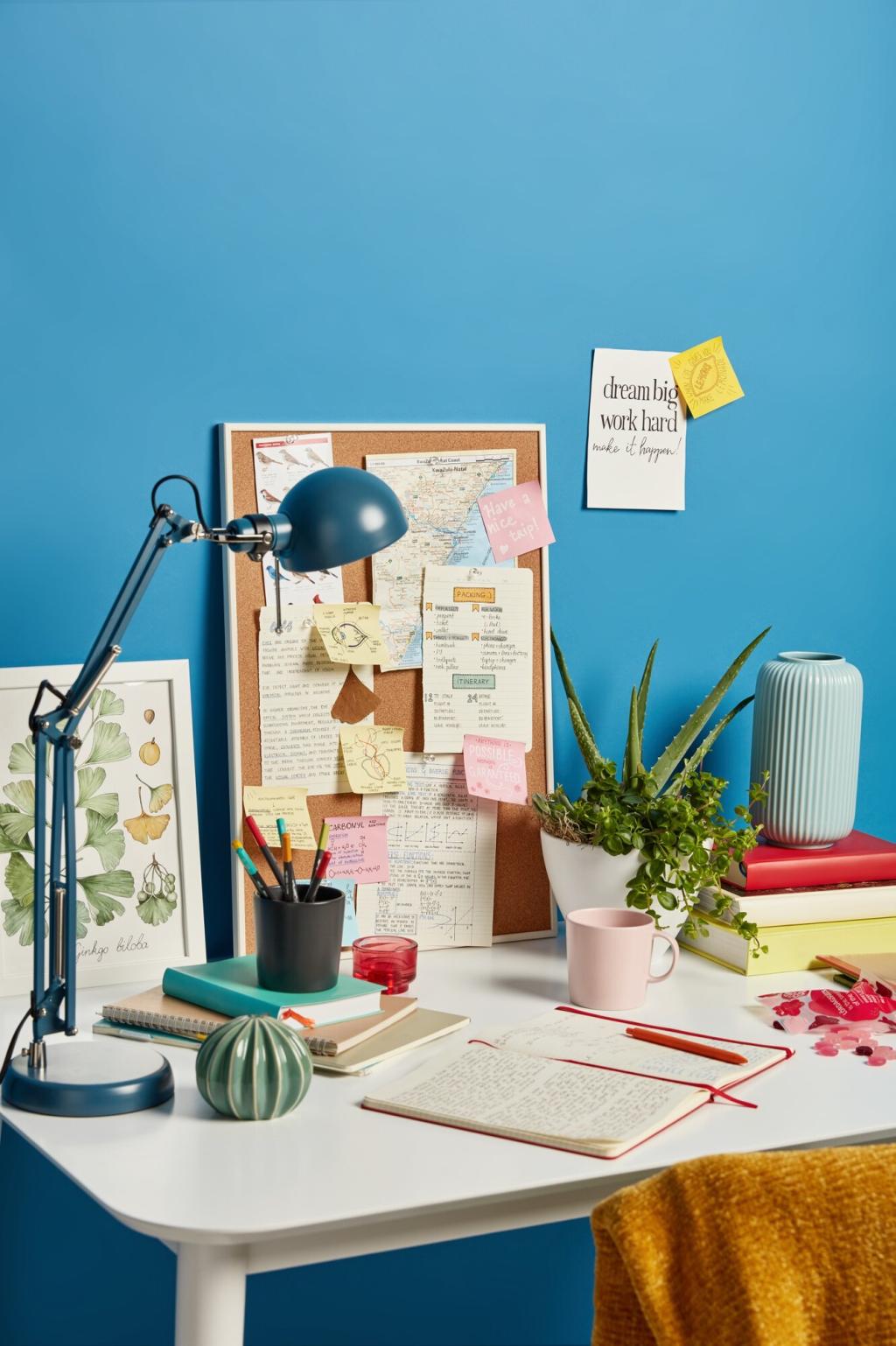
A trailing pothos, a low-maintenance snake plant, or a desktop terrarium softens edges and calms the mind. Share your light levels and care tolerance, and we’ll recommend plants that thrive beside ergonomic furniture without clutter.
Lerinavexolanorone
Privacy Overview

This website uses cookies so that we can provide you with the best user experience possible. Cookie information is stored in your browser and performs functions such as recognising you when you return to our website and helping our team to understand which sections of the website you find most interesting and useful.